PASSWORDS
No default passwords
If a device comes with a default password, change it. The NCSC suggests a password made of three random words, and 2-step verification if the app offers it.
Check a setting doodleconfig
00WHAT THE GUIDANCE SAYS

A smart device is a small computer.
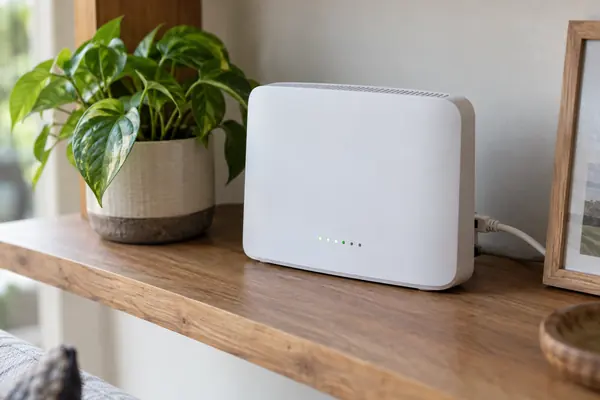
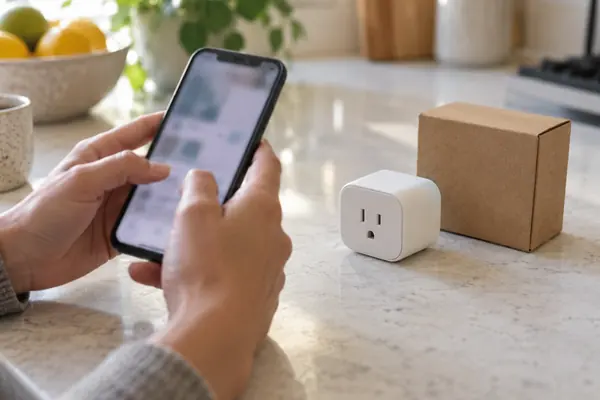
Cameras, speakers, plugs and thermostats all join your home Wi-Fi. The NCSC says you can't just switch one on and forget it: a few settings at setup make it much harder to hack.
Check a setting01Principles
02THE SHORT ANSWER
Most of the risk sits in a few settings.
The NCSC lists them in plain words.
PASSWORDS
If a device comes with a default password, change it. The NCSC suggests a password made of three random words, and 2-step verification if the app offers it.
Check a settingUPDATES
Updates fix bugs and security holes. The NCSC says to switch on automatic updates where available and install manual ones when prompted.
How to do itROUTER
Turn off remote access if you never use it away from home, and consider disabling UPnP and port forwarding on the router.
See the numbers03A QUICK SETTINGS CHECK
Pick a setting you have found in a device's app to see what the NCSC suggests. The bar shows how strongly the guidance points to acting.
Based on NCSC guidance on smart devices and smart security cameras. General information only: follow the manufacturer's instructions for your model.
04TWO NUMBERS WORTH KNOWING
One figure on how many devices we own,
one on how often weak passwords are tried.
≈ 9 devices
Connected devices per household
The UK government says 99% of UK adults own at least one smart device and households own an average of nine connected devices.
UK HOMES · GOV.UK
2,684 tries
Attempts on five devices in a week
A Which? investigation cited by the government found a home full of smart devices faced more than 12,000 hacking attacks in a week, including 2,684 attempts to guess weak default passwords on just five devices.
PASSWORD GUESSES · WHICH? VIA GOV.UK
Since 29 April 2024, UK law bans easily guessable default passwords on new smart devices, and manufacturers must say how long security updates will last and how to report security issues.
05FOUR STEPS AT SETUP
These take a few minutes in the device's app. Look in the settings or system area, or the support section of the maker's website for your model.
Before you buy, check how long the maker will provide security updates. The NCSC calls it a 'use by' date.
Replace any default password with a secure one, and turn on 2-step verification if offered.
Let the device install updates itself, and accept manual ones when prompted.
Reset a device before you sell or give it away, so your personal data is removed.
06WHAT THE LAW CHANGED
The UK's product security regime came into effect on 29 April 2024. Manufacturers of consumer connectable products, from phones and TVs to smart doorbells and connected fridges, must meet minimum security requirements.
Easily guessable default passwords such as 'admin' or '12345' are banned, makers must publish contact details for reporting security issues, and they must be open about the minimum time a product will get security updates.
07Questions
The NCSC describes smart devices as electrical items that connect to the internet or your home network, usually by Wi-Fi: speakers, fitness trackers and security cameras, but also fridges, thermostats, kettles and washing machines.
Without security updates a device becomes easier to hack and may stop working. The NCSC suggests treating the support end date as a 'use by' date, and avoiding devices whose support will end soon.
The NCSC suggests a secure password made by combining three random words you will remember, and avoiding the most commonly used passwords.
If you don't need to use the device when away from home Wi-Fi, the NCSC says to switch remote access off. For cameras this may stop alerts and some smart home links working.
Check the manufacturer's website for steps to take, and reset the device using the manufacturer's instructions, the NCSC advises.
08Sources
ABOUT THIS NAME
doodleconfig.com is part of the DoodleSale portfolio. It isn't in an auction right now, but you can ask about leasing it.